

Modern digital marketing is impossible to imagine without Google Ads — an advertising platform that enables businesses across various niches to quickly attract clients and scale their sales. While setting up Google advertising used to be considered a complex technical task, today even a beginner can achieve initial results on the very day a campaign is launched.
In this guide, we’ll take a close look at what Google Ads is, how it works, what types of campaigns are available, how they differ, and how to measure advertising performance. The material is designed to help beginners understand the system from scratch and to show businesses how Google Ads can support their marketing goals.
What is Google Ads?
Google Ads is an online service developed by Google for placing advertisements on the internet. It allows companies to display their ads in Google search results, on Google partner websites, and in mobile applications. With its help, advertisers can choose the products or services they want to promote and target ads to specific keywords or audiences. In essence, Google Ads (formerly known as Google AdWords) helps businesses reach exactly those audiences who are actively searching for a particular product or information.
How does Google Ads work?
To use Google Ads effectively, it is important to understand how this advertising platform works “under the hood”. Its mechanics are based on an auction system, flexible bidding, keyword selection, and precise targeting. In this section, we will look at how Google decides which ads to show, in what order, to whom exactly, and at what price.
Ad auction and Ad Rank
Every time a user performs a search query or visits a site that shows ads, Google instantly runs an auction among all relevant ads. The system selects those ads whose keywords match the user’s query, filters out irrelevant ones (for example, targeting a different country or violating policies), and then ranks the rest by Ad Rank. Ad Rank depends on the advertiser’s maximum bid and Quality Score: a metric from Google that evaluates ad relevance, expected CTR, and the quality of the landing page (scored from 1 to 10). Ads with the highest Ad Rank are shown in higher positions (above or below the search results), while those with lower Ad Rank are pushed back. The auction process happens in a fraction of a second for each query.
Bid types and strategies
An advertiser can choose different payment models and bidding strategies in Google Ads. The most common is CPC (Cost per Click) – paying for each click on the ad, which allows precise tracking of the cost of acquiring a user. There are also other models: CPM (cost per thousand impressions, for increasing brand awareness), CPA (cost per action/conversion), CPV (cost per video view), and others. By setting bids manually or automatically, the advertiser can pursue different goals (increasing traffic, views, conversions, or profitability). Automated strategies such as “Maximize Clicks”, “Target CPA/ROAS”, “Maximize Conversions”, and others adjust bids in real time using Google’s artificial intelligence to optimize results. For example, the “Target ROAS” strategy automatically focuses on achieving a desired return on ad spend. All these tools provide flexible control over the budget: you set daily or monthly limits yourself and pay only for user actions (clicks, conversions, etc.).
The role of keywords and negative keywords
Keywords in Google Ads determine when your ads will be shown. You define phrases that match your business, and the system shows your ads to users who enter these terms in search. For example, if you sell women’s clothing, you might choose keywords like “women’s clothing” or “dress for women”. Conversely, with the help of negative keywords you exclude impressions for irrelevant queries (for example, “free”, “used”, etc.), which helps save budget on non-target traffic. Well-chosen keywords and negative keywords increase ad relevance and reduce spending on unnecessary clicks.
Targeting: how to choose your audience
Google Ads allows you to define quite precisely who will see your ads. In addition to keywords, you can set targeting by geography (region or radius around a location), language, age, gender, user interests, and behavior. You can also upload email lists or remarketing audiences — for example, target people who have already visited your site. Google Ads includes affinity and in-market audiences, demographic audiences, and other options. The more accurately you define your audience (by interests, lifestyle, past user behavior, etc.), the higher the likelihood of getting a return from your ads. For beginners, it is usually enough to target by keywords and geography, while more advanced campaigns add interest- or demographic-based targeting.
Types of Advertising Campaigns in Google Ads

Google Ads offers several main types of campaigns, each using its own formats and display locations. Below are the key campaign types:
Search Campaigns
Search campaigns are the most common type. Their text ads appear in Google search results when users enter the keywords you’ve selected. This allows advertisers to reach exactly those people who are already actively searching for their products or services. By choosing the right keywords and bidding strategy, you can quickly drive targeted traffic to your site. For example, if you offer PPC courses, your ad might appear at the top of the results for the query “PPC courses”. Search campaigns are well-suited for attracting purchase-ready customers and increasing sales in the short term.
Display Campaigns
Display campaigns show ads in the Google Display Network — on websites, in mobile apps, Gmail, and more. They use banners, graphic ads, videos, and other formats to grab attention. For example, you can create a banner with an image of your brand’s shoes and advertise it on sites visited by potential buyers. These ads appear while users browse content and help increase brand awareness. Google Ads automatically selects relevant sites from the Network based on your topic, or you can specify them manually. Display campaigns are often used to expand reach and for re-engaging users (remarketing).
Video Campaigns
Video campaigns are designed for showing promotional videos on YouTube and Google partner networks. You can upload short videos that play before, during, or after content on YouTube, as well as on other video services. Video ads engage audiences through dynamic content and are particularly effective given the growing popularity of video formats. Google allows targeting video campaigns by keywords, interests, age, and other parameters. For example, a university’s promotional video might appear in news or educational content on YouTube (as in the “American University” screenshot example). This approach helps reach a broader audience and boost brand awareness through visual impact.
Shopping Campaigns
Shopping campaigns focus on promoting specific products from your catalog. They appear in Google Shopping (Shopping tab) and on partner sites. These campaigns require integration with Google Merchant Center, where you upload product descriptions, images, names, and prices. Google Ads then generates ads where users see the product photo, name, and price. Shopping campaigns are ideal for online stores and retail chains, as they target buyers already searching for specific products or comparing prices. For example, if a user searches for a smartphone model name, they’ll see a corresponding ad with its image and price. This drives direct sales and helps businesses increase conversions.
App Campaigns
App campaigns are focused on advertising mobile apps. Google places these ads in search, Google Search recommendations, Google Play, the Display Network, and YouTube. The advertiser provides text, images, and/or videos, and the system automatically generates ads and optimizes their delivery. The goal is to interest users and encourage them to download (install) your app. As shown in the example (Binance ad: “Buy Bitcoin” in Google Play), App campaigns allow reaching a wide mobile audience. Targeting is based on interests, behavioral patterns, and demographics to show ads to those most likely to be interested in your app.
Performance Max Campaigns
Performance Max is a new “maximum performance” type that combines all Google Ads channels. These campaigns automatically show ads across Search, Display, Gmail, Maps, YouTube, and other platforms simultaneously. They are fully automated and optimized for target conversions: the advertiser sets goals (e.g., sales or leads), and Google’s algorithms distribute the budget and bids across channels to maximize conversions. Performance Max is ideal for e-commerce and advertisers who want to reach the maximum audience across all available Google networks.
Where are Google Ads displayed?
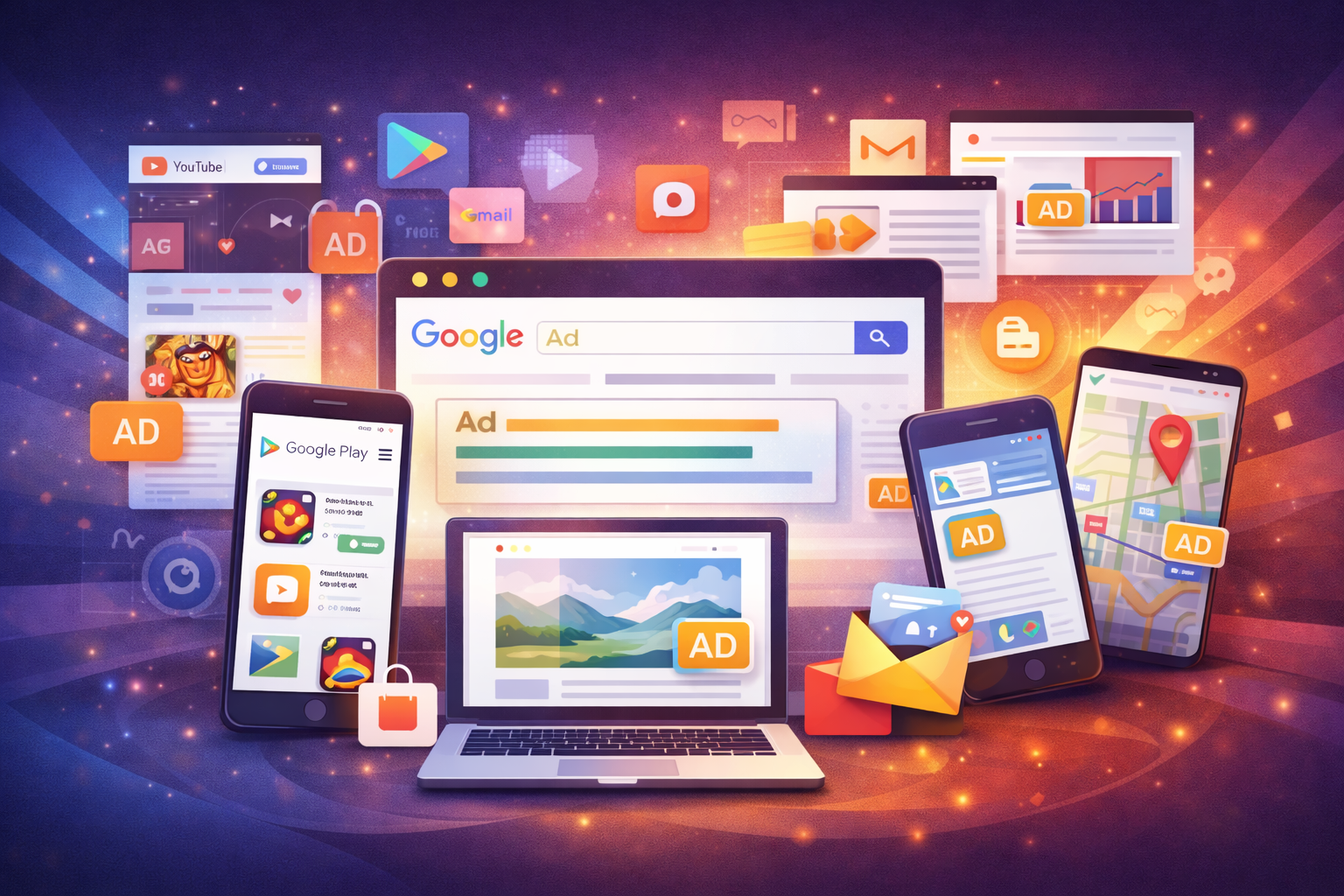
Google Ads can appear in various environments depending on the campaign type and targeting settings. In the Search Network, ad blocks are displayed above or below Google search results. Similarly, they can appear on Google Maps, in Google Shopping, and in the Google Play store alongside search results. Additionally, the Search Network includes numerous partner sites (search partner sites), where text ads can also appear next to search results.
In the Display Network, ads are shown on websites, in mobile apps, and in other Google services (for example, in Gmail). The Google Display Network includes thousands of sites: among them are popular Google resources (Finance, Blogger, YouTube, etc.) and apps. For example, if you see an ad on a news site or in a mobile game, it could be Google contextual advertising. Formats can include graphic banners, videos, or responsive ads.
Additionally, ads can appear in Google Discover (personalized content feed on mobile devices) and in Google Play (ads within the app store). Google Ads advertising is also supported on all device types: PCs, tablets, and smartphones. In any case, you can select display locations and times according to your strategies (for example, set up geotargeting and ad schedules) to reach the right audience.
Benefits of Google Ads Advertising
Google Ads offers several key advantages. First, it allows you to target ads to the right people in the right place at the right time. With various targeting parameters, you show ads specifically to users interested in your products or services. Second, Google Ads provides full budget control: there are no minimum spends, you set your own daily/monthly limits and pay only for user actions (for example, clicks). This makes costs predictable and economically justified.
Third, Google Ads provides detailed analytics. You can see who and when clicked your ad, which keywords worked, and how many conversions were obtained. This data allows you to quickly adjust campaigns and increase return on investment. According to analysts, Google Ads reaches a massive global audience – approximately 4.77 billion users worldwide, with about 80% of companies using it for contextual advertising. This means your ads can potentially be seen by millions of people at any stage of the buyer funnel (from search to purchase).
Drawbacks and Challenges of Google Ads
Despite its strengths, Google Ads also has certain limitations. First, in popular niches (such as finance, real estate, and legal services), high competition leads to expensive cost per click. Without careful optimization, bids can rise and the budget can be depleted quickly. Second, the effect of an ad campaign is temporary: when the budget runs out, ads stop showing and traffic drops to zero. This means that consistent results require ongoing investment. Google Ads also requires a certain level of expertise: beginners need to learn how to set up campaigns, choose keywords, and monitor metrics so as not to waste money.
How to Measure Advertising Effectiveness: Key Metrics
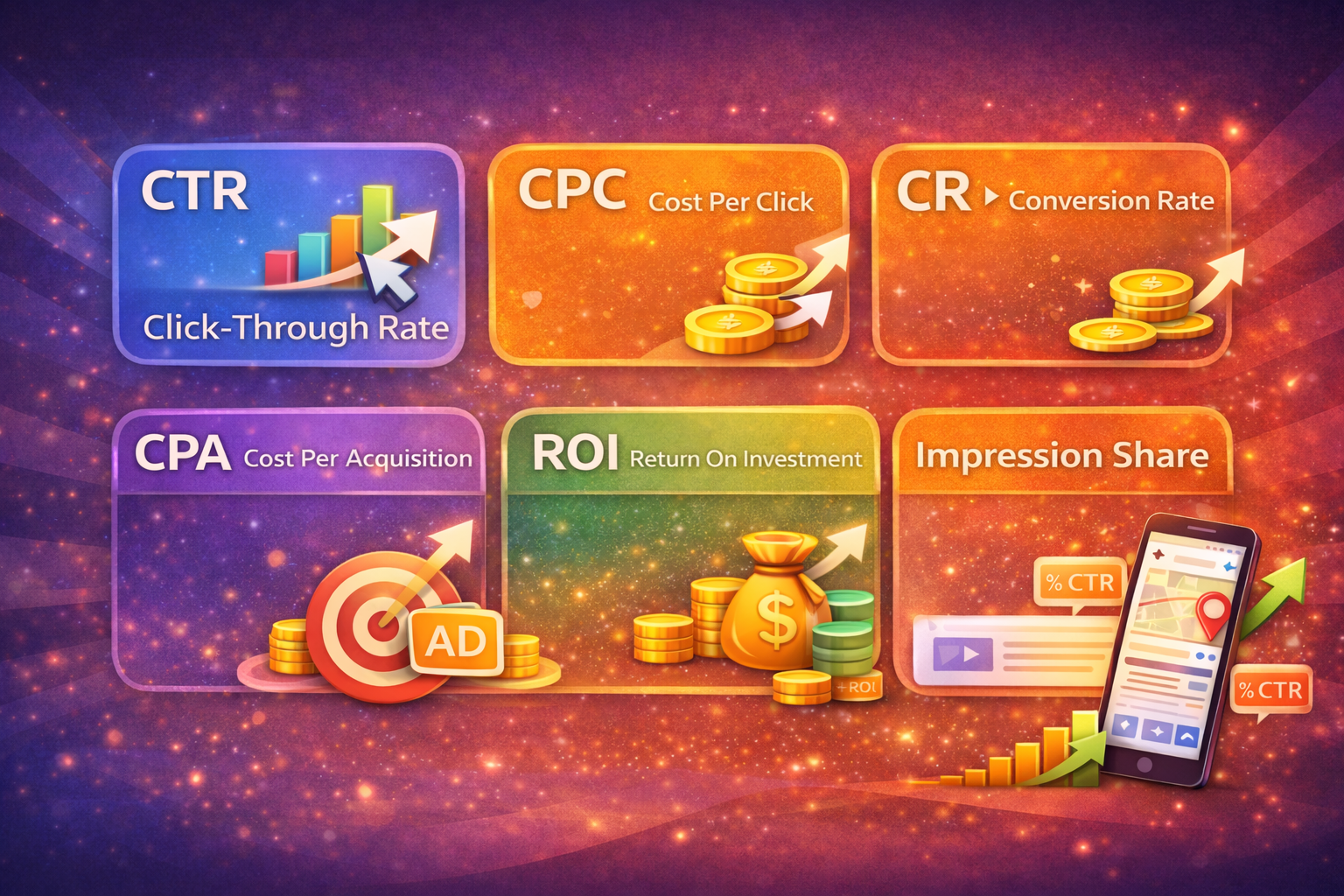
When evaluating campaign success, pay attention to the main metrics. CTR (Click-Through Rate) shows the percentage of users who clicked the ad out of those who saw it. CPC (Cost per Click) is the average cost of one click. CR (Conversion Rate) and CPA (Cost per Acquisition) measure what percentage of users completed the target action (purchase, registration, etc.) and how much it costs to acquire one such customer. It’s also worth calculating ROI (return on investment) — how many hryvnias of profit you get for each hryvnia spent on advertising. Additionally, analyze Quality Score (ad and landing page relevance) and Impression Share, which shows how often your ads appeared relative to the total number of queries. Reviewing these metrics will help minimize costs and gradually improve advertising effectiveness.
Google Ads vs Facebook Ads: Which to Choose?
Google Ads and Facebook Ads (Meta Ads) are two powerful online advertising tools, but with different approaches. Google Ads is more focused on active demand: its ads are shown to users exactly when they are searching for something. Estimates show that the Google network reaches over 90% of internet users worldwide. Facebook Ads (now Meta Ads) has its own massive audience (over 2.9 billion monthly active users) and allows very precise targeting by interests, behavior, and demographics. Formats also differ: Google Ads mainly offers text and image ads in search results and the display network, while Facebook Ads provides visual content in news feeds, Stories, Instagram, and more.
In terms of pricing models, Google Ads operates on PPC (pay per click), while Facebook Ads often uses CPM (cost per mille impressions). Analytics in both systems is powerful: Google Ads provides detailed reports on clicks, impressions, conversions, and costs; Facebook Ads offers insights on reach, engagement, and audience demographics. Thus, Google Ads suits businesses wanting to capture a broad market and get traffic from users with active purchase intent, while Facebook Ads is ideal for building brand awareness and targeting very specific audience segments. The choice depends on goals and business specifics: often the optimal approach is using both platforms together.
Conclusion
Google Ads is one of the most effective tools for attracting clients online. It allows you to quickly reach the right audience and precisely control spending. However, it’s important to remember the investment aspect – monitor bids and metrics to avoid wasting budget without results. Campaign effectiveness is significantly improved through constant optimization and analysis of key indicators. If you want to get the maximum benefit from Google Ads, you can turn to a specialized marketing agency: its experts will help set up and optimize advertising campaigns to achieve the best results. Thus, investing in professional Google Ads management can significantly increase the return on your advertising.


'/%3e%3cpath%20d='M19.5001%204C20.5801%204%2021.5271%204.57%2022.0551%205.427L12.5001%2011.797L2.94507%205.427C3.19586%205.01982%203.54036%204.6785%203.94984%204.43149C4.35932%204.18448%204.82192%204.03894%205.29907%204.007L5.50007%204H19.5001Z'%20fill='url(%23paint1_linear_9325_7431)'/%3e%3cdefs%3e%3clinearGradient%20id='paint0_linear_9325_7431'%20x1='2.5'%20y1='4.66401'%20x2='19.6792'%20y2='3.82002'%20gradientUnits='userSpaceOnUse'%3e%3cstop%20stop-color='%23B544B5'/%3e%3cstop%20offset='1'%20stop-color='%23661466'/%3e%3c/linearGradient%3e%3clinearGradient%20id='paint1_linear_9325_7431'%20x1='2.94507'%20y1='2.20406'%20x2='19.3073'%20y2='0.976149'%20gradientUnits='userSpaceOnUse'%3e%3cstop%20stop-color='%23B544B5'/%3e%3cstop%20offset='1'%20stop-color='%23661466'/%3e%3c/linearGradient%3e%3c/defs%3e%3c/svg%3e)
'/%3e%3cdefs%3e%3clinearGradient%20id='paint0_linear_9325_7437'%20x1='4.66748'%20y1='-0.489849'%20x2='18.8327'%20y2='-0.923839'%20gradientUnits='userSpaceOnUse'%3e%3cstop%20stop-color='%23B544B5'/%3e%3cstop%20offset='1'%20stop-color='%23661466'/%3e%3c/linearGradient%3e%3c/defs%3e%3c/svg%3e)
'/%3e%3cdefs%3e%3clinearGradient%20id='paint0_linear_9325_7441'%20x1='3.5'%20y1='-2.83185'%20x2='18.9879'%20y2='-3.23877'%20gradientUnits='userSpaceOnUse'%3e%3cstop%20stop-color='%23B544B5'/%3e%3cstop%20offset='1'%20stop-color='%23661466'/%3e%3c/linearGradient%3e%3c/defs%3e%3c/svg%3e)